

Capturing Your First 3D Space
Use this guide to plan a connected 360° walkthrough with enough coverage for reconstruction and review.
Supported cameras
Preimage supports Insta360 X3, X4, X5, and ONE RS cameras. Use the Preimage Android app to connect a supported camera and manage recordings. See Connecting Your Camera and Recording.
Keep the original INSV files, including both files when a recording is split into front- and back-camera parts. If you export MP4, use a complete stitched 360° panorama with a 2:1 width-to-height ratio.
Before recording
- Clean the lenses and check camera battery and storage.
- Identify the floor and areas you need to capture, including routes that connect them.
- Check lighting in corridors, corners, stairwells, and enclosed rooms.
- Decide which floorplan, earlier scan, or other reference the new scan should align with.
- Record independent check distances if you will use the scan for measurements.
During the walkthrough
Keep the camera upright and clear of your body, hands, and equipment. Walk slowly and steadily. Cover rooms as well as the connections between them, and take care at doorways and changes in lighting.
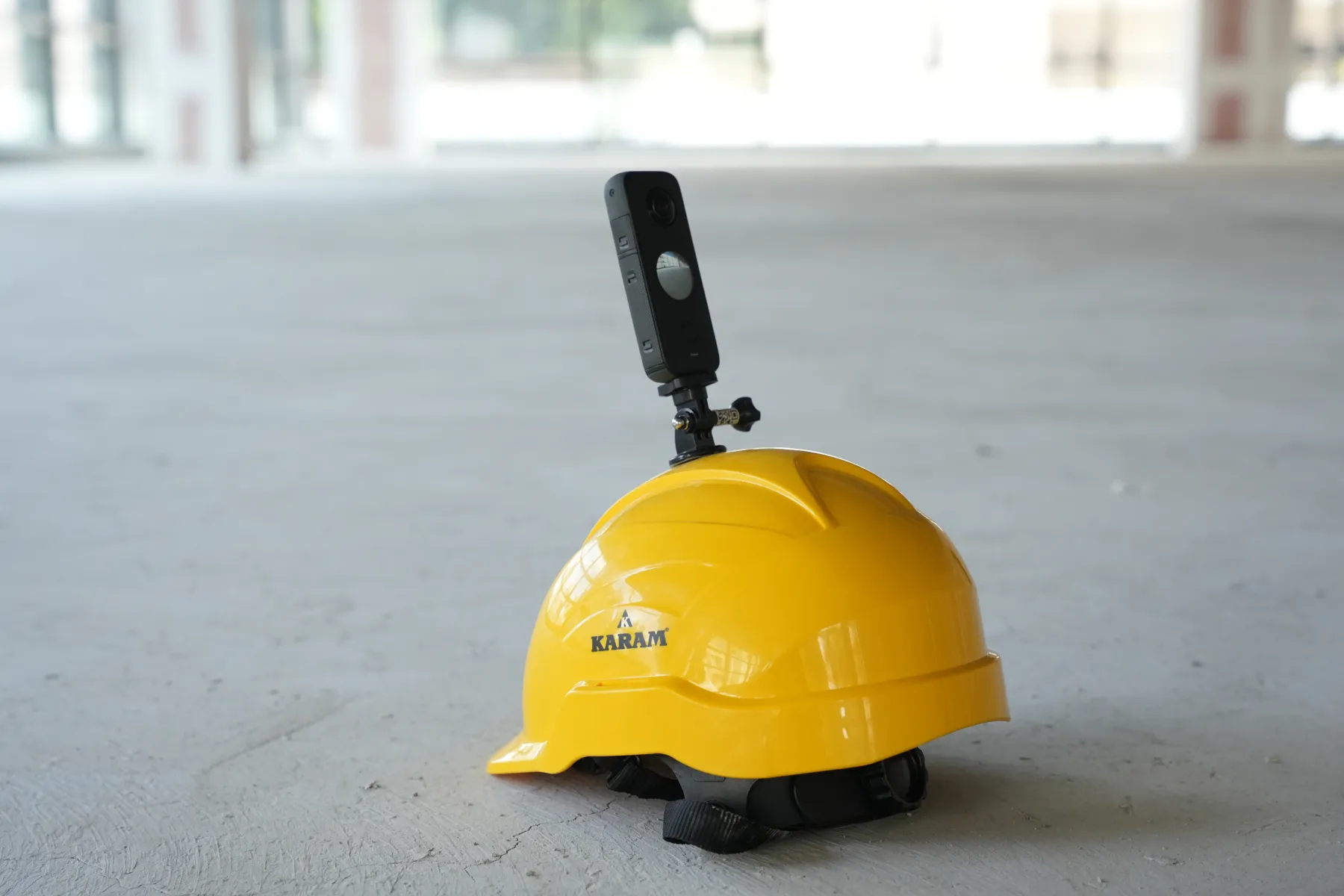
Capture important surfaces from more than one position. Revisit recognizable locations where practical to connect your route. Avoid abrupt turns, motion blur, and long gaps between connected areas.
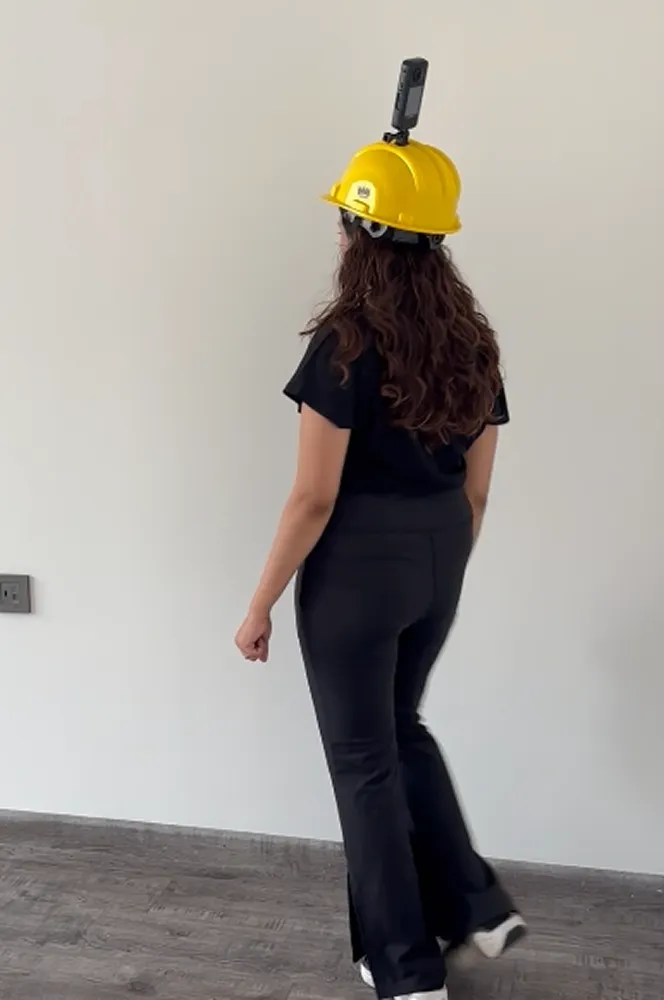
Before leaving the site
Check that every required area was recorded and the files are readable. Revisit dark, blurry, or missed areas while you still have access. Glass, mirrors, repetitive surfaces, moving people, and hidden areas may need additional coverage.
For multiple floors, keep captures organized by floor and date. Retain the original recordings until the upload and outputs have been checked.
Next: Upload a scan.