

Account & Subscription Management
Use your workspace payment information to check credits, purchases, and plan features. For current plans, see Pricing.
Managing Your Subscription
Watch the video tutorial below, or follow the step-by-step guide.
Preimage Subscription Management Tutorial
Step-by-step Guide
1. Free Credits When You Start
New users receive 10,000 free credits to try the platform. Available outputs depend on the input and workspace. Examples include:
- Virtual tours
- Point cloud generation
- Scene segmentation
- Vector floor plan previews
2. Buying More Credits
-
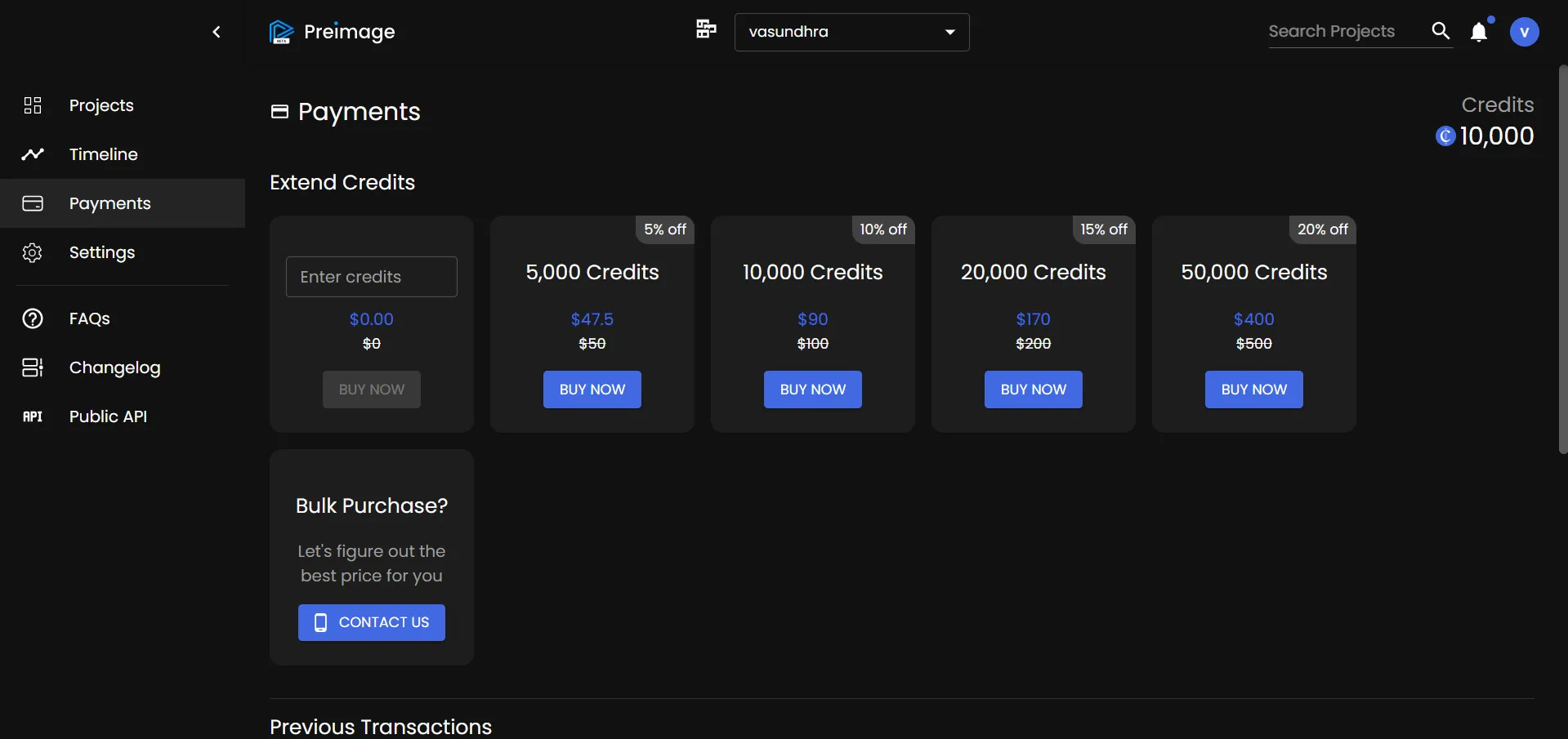
In the left menu, click Payments.
-
You will be redirected to the Preimage payment portal.
-
Choose from available credit bundles or subscription plans.
-
Complete payment securely with your preferred method.
Need Help?
If you encounter billing issues, failed payments, or want to discuss custom pricing, email us at support@preimage.ai.