
Account and Settings
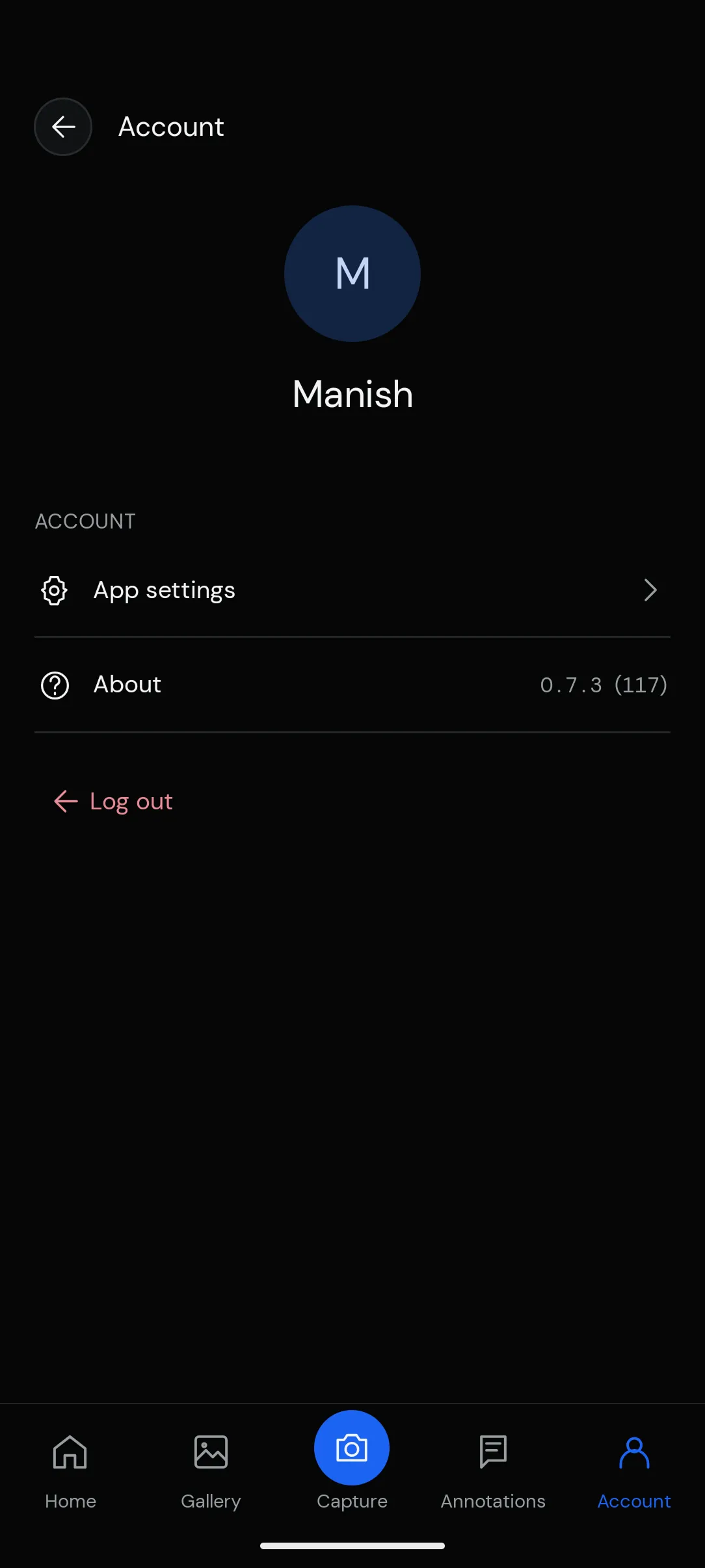
The Account section lets you view your profile, manage app settings, and access information about the Preimage Mobile App.
Accessing Your Account
Tap Account from the bottom navigation bar to open your account page.
From here, you can access App Settings, view the app version under About, or log out of your account.
App Settings
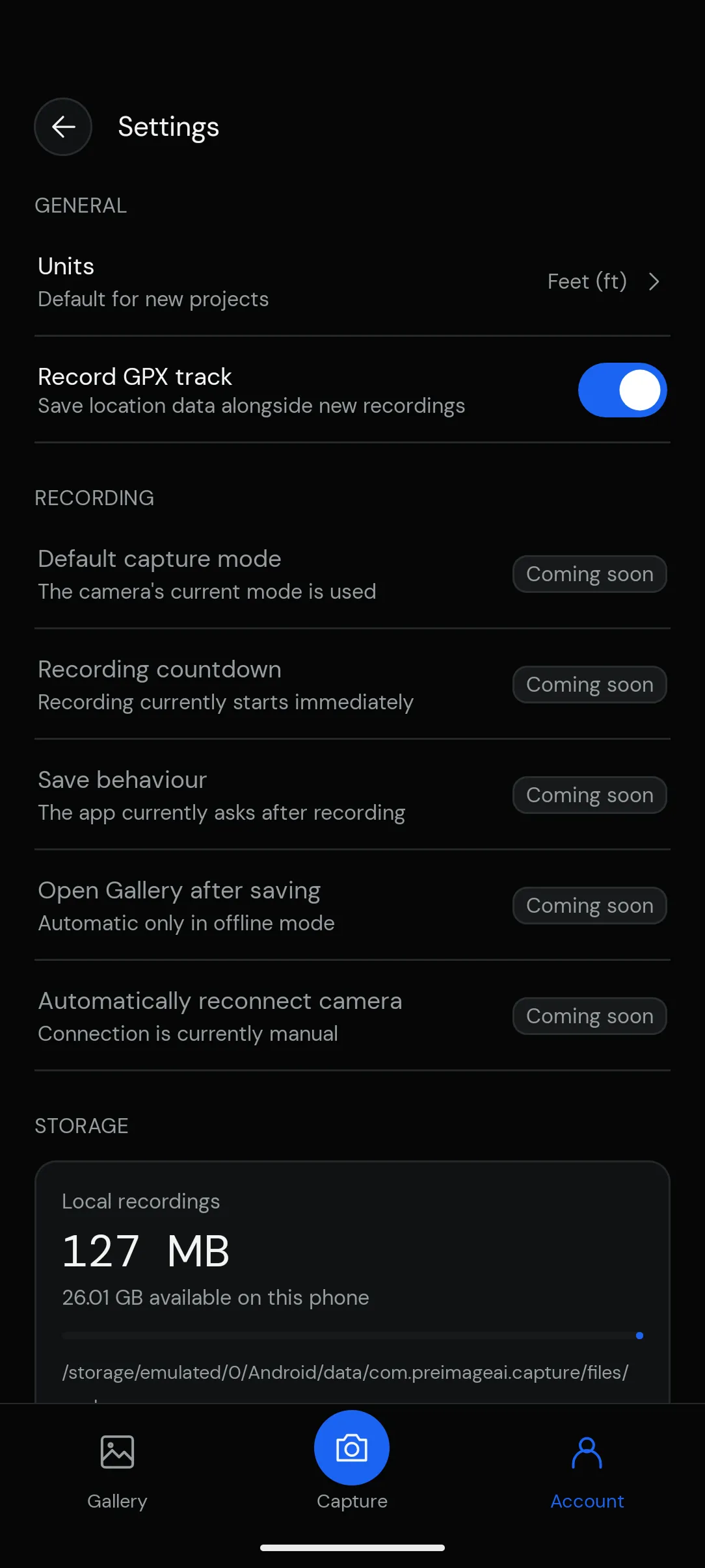
Select App settings to view the available preferences.
Settings are organized into three sections:
- General: Measurement units and GPX track recording.
- Recording: Camera recording and saving preferences.
- Storage: Local recording storage and available device space.
Some recording settings are marked Coming soon and are not yet available.
Offline Mode
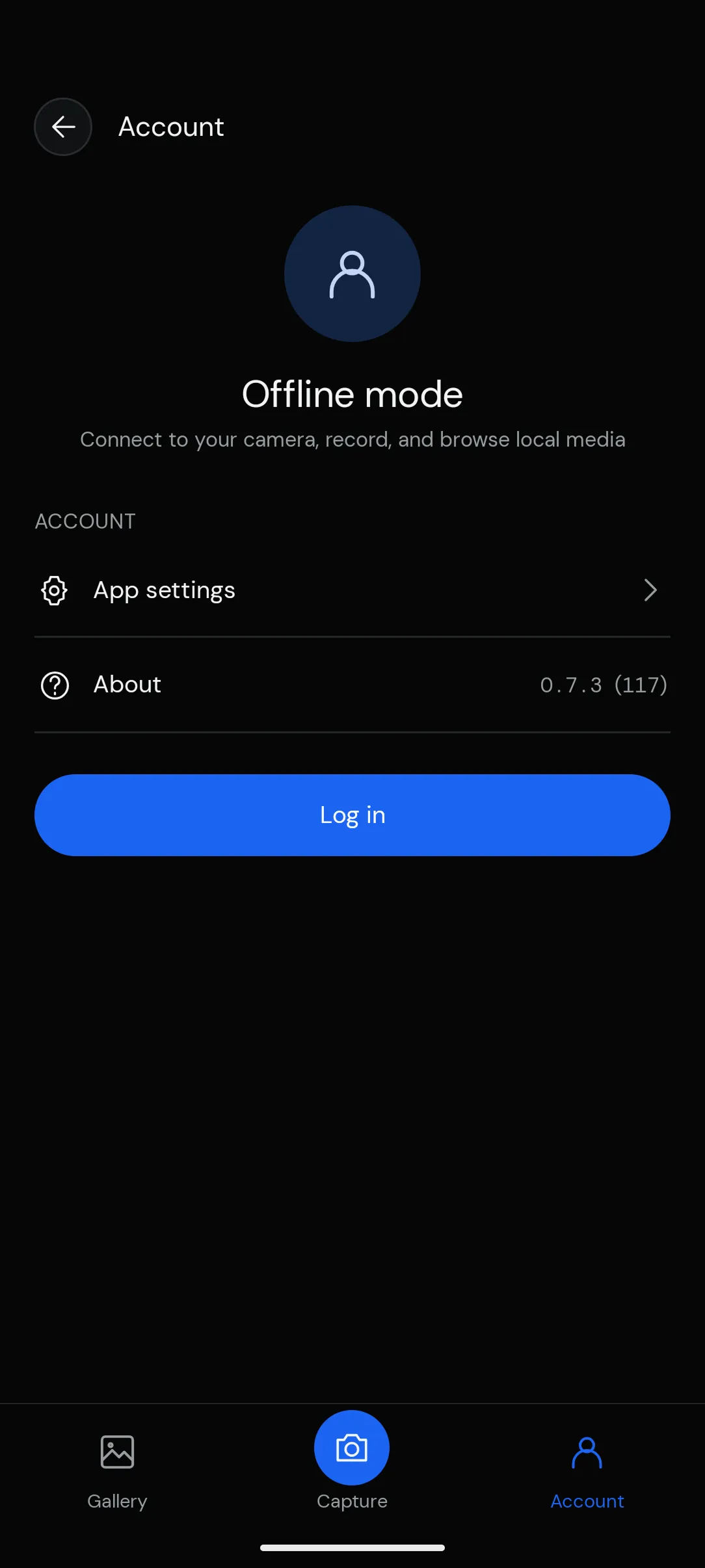
If you’re using the app without logging in, the Account page displays Offline mode.
You can still access app settings and local storage information. To access your workspaces and projects, tap Log in.